Bigger dimensions do not always mean the detail is correct. Inspect these areas before choosing an output.
Feathers & edgesCheck fine feather strands without invented patterns.
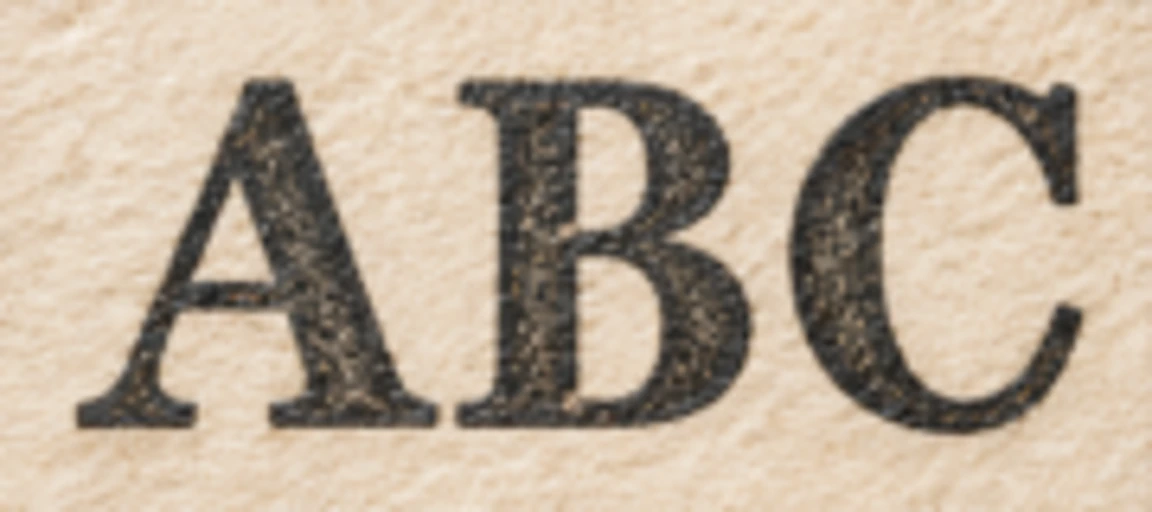
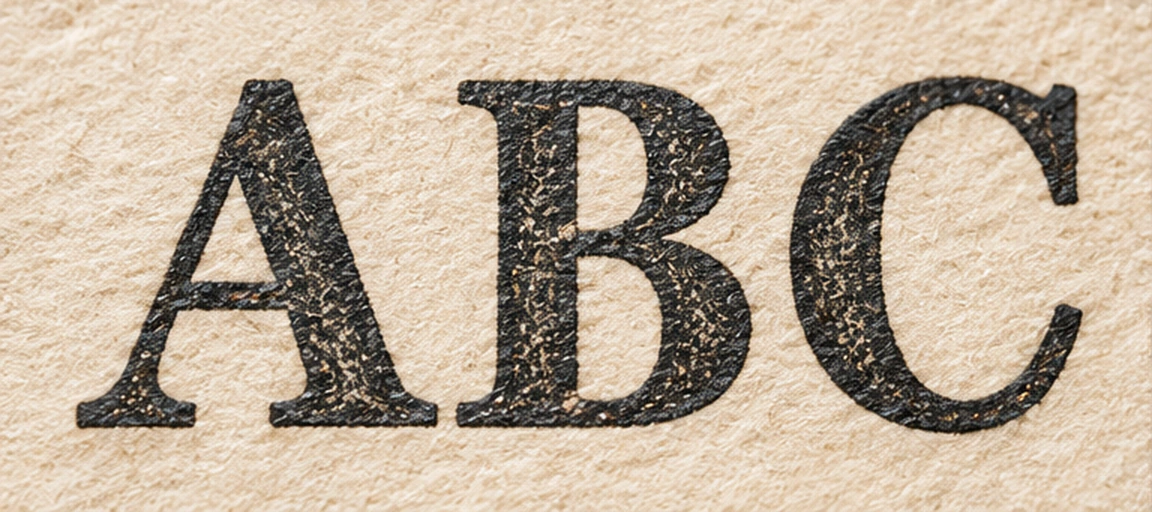
Printed charactersKeep letter shapes and spacing believable.
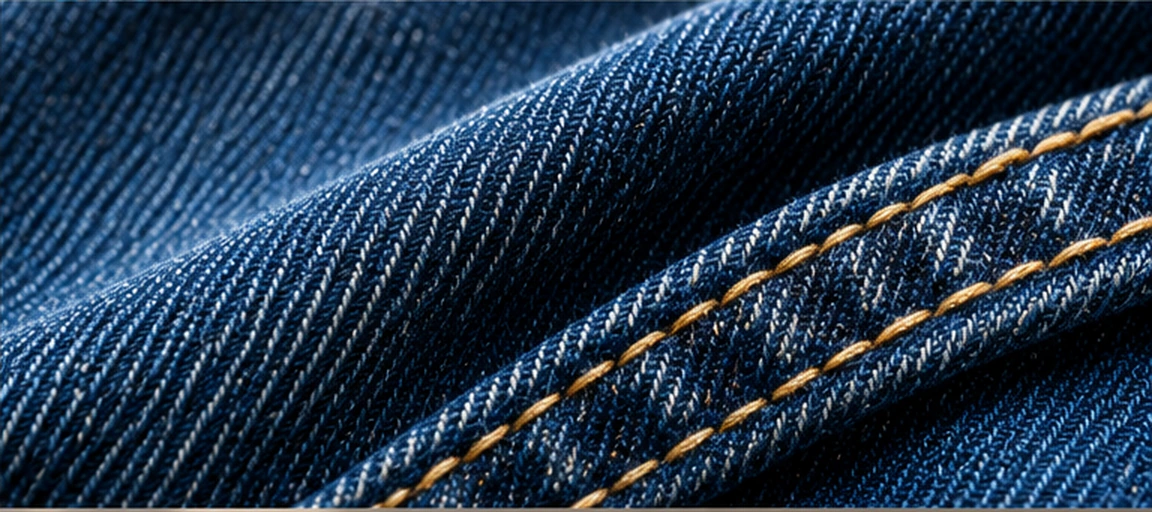
Woven fabricCheck repeated weave without aliasing.
3D surfacesPreserve clean material reflections and contours.
About these comparisons: these illustrations show details to inspect, rather than verified AI results. Try your own image to compare its original with the actual processed output.
See what happens to your image.
Choose 2×, 3× or 4× in the workspace; advanced 6× and 8× fit smaller images within 32 MP.
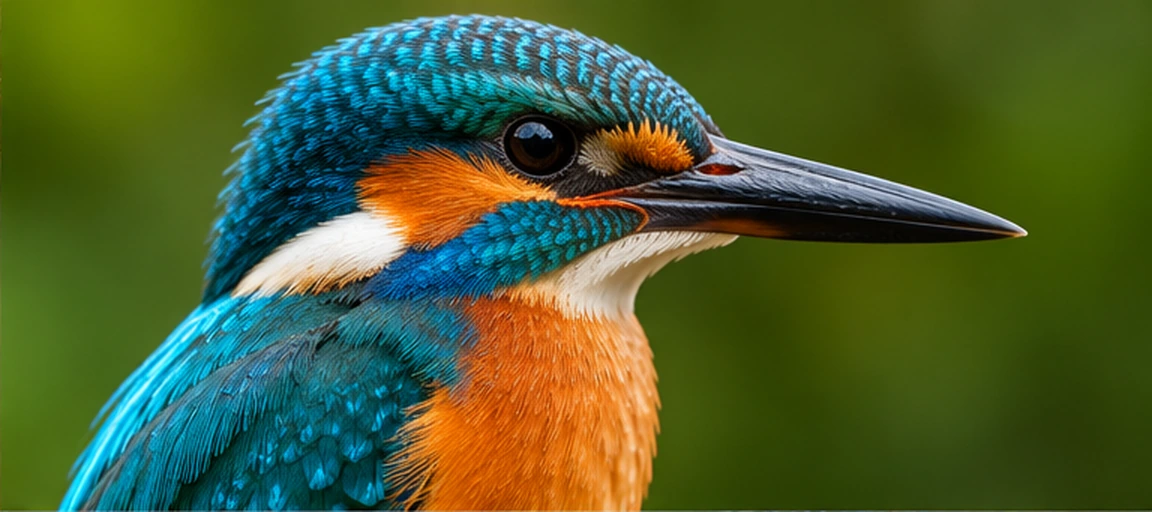 OriginalConcept preview
 ImgUpscaler

 OriginalConcept comparison

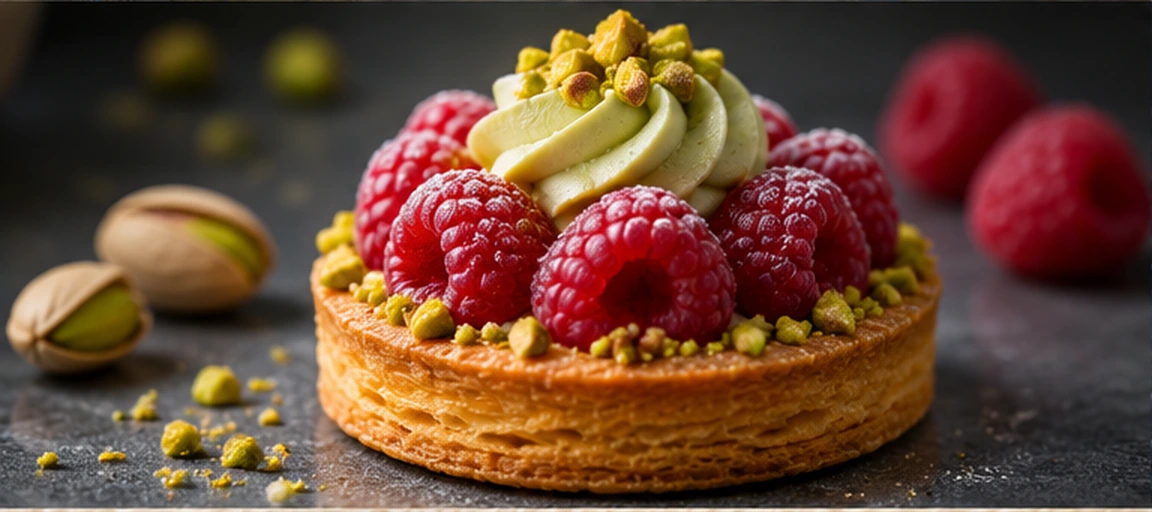 OriginalConcept preview
 OriginalConcept preview
 OriginalConcept preview

 OriginalConcept preview

 OriginalConcept preview